
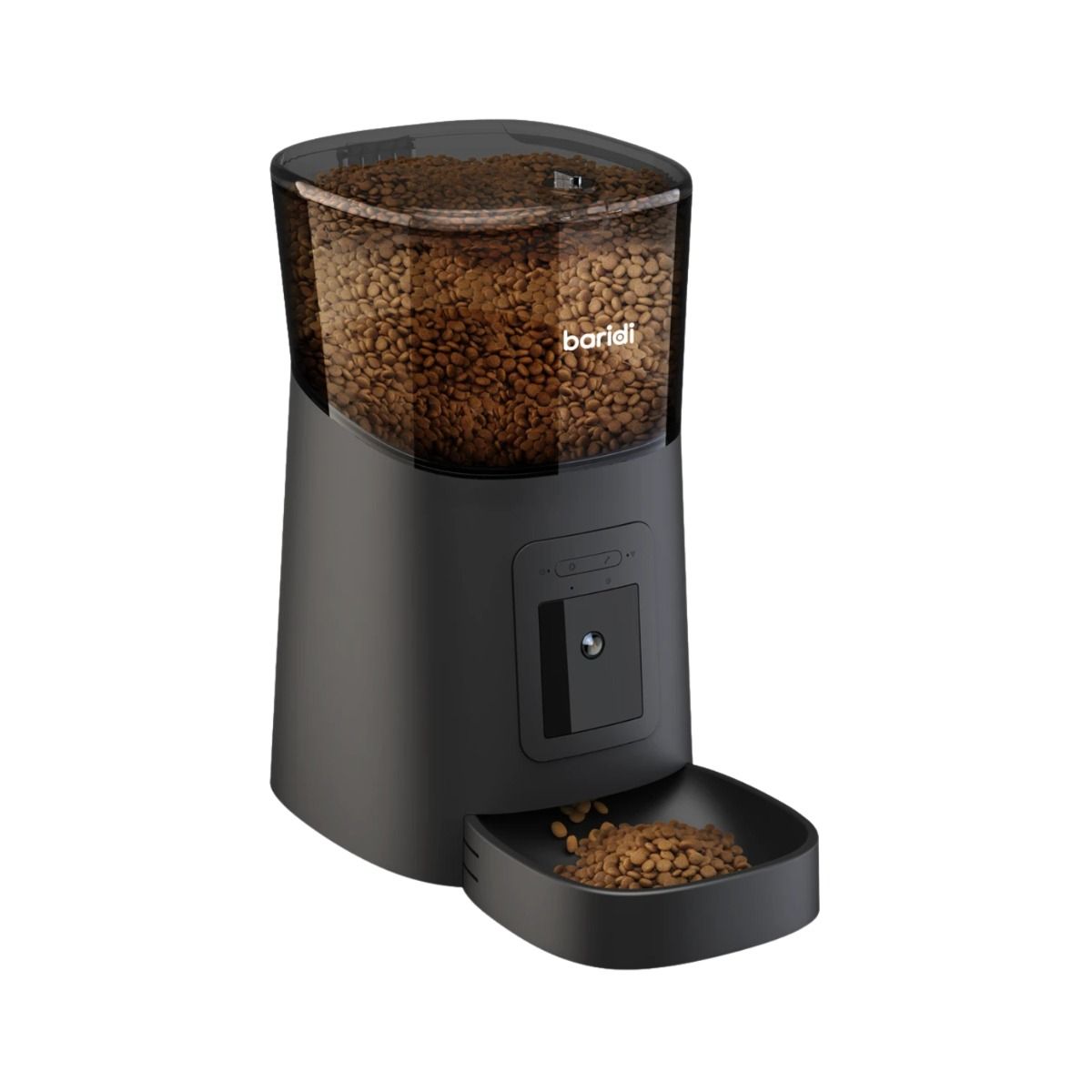
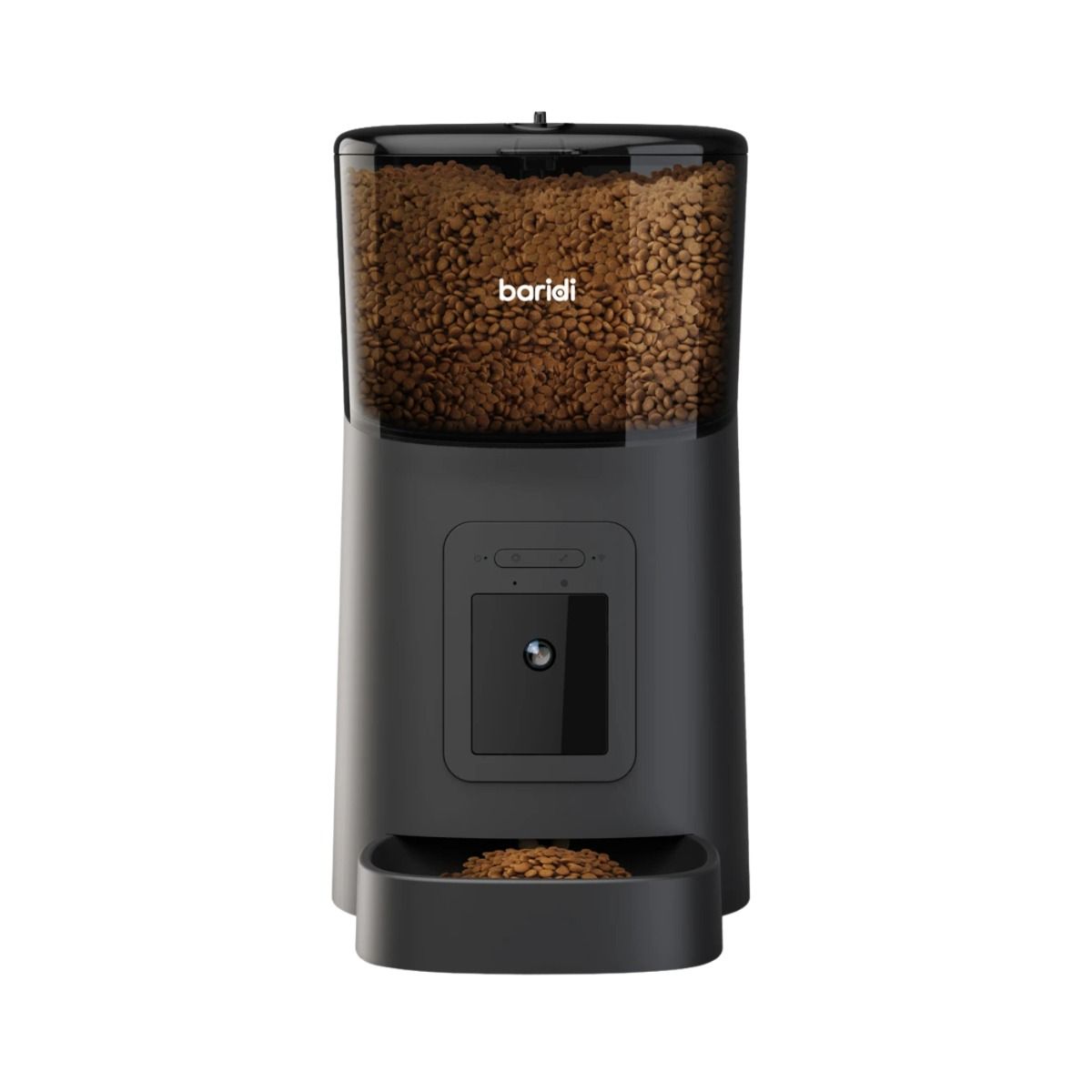
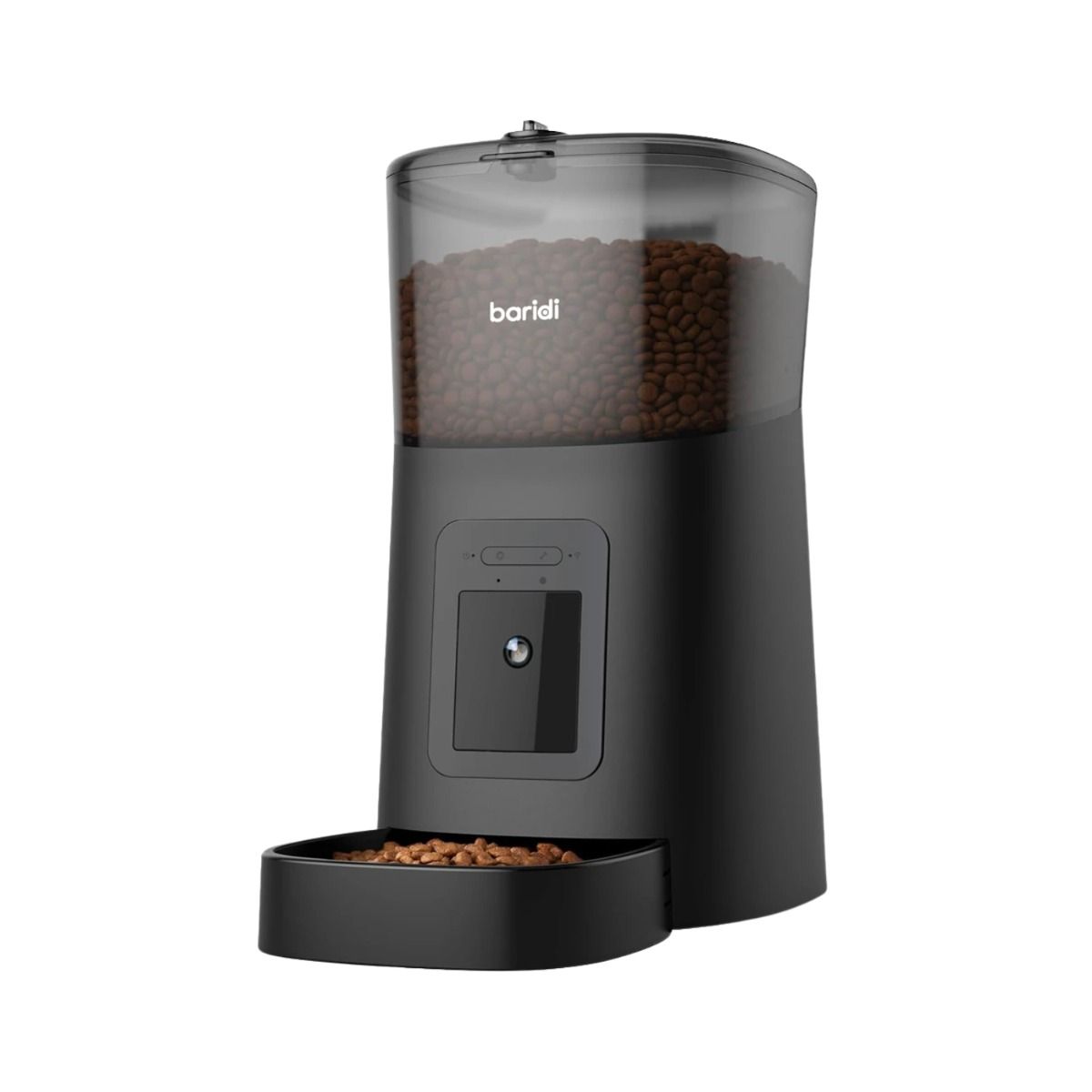
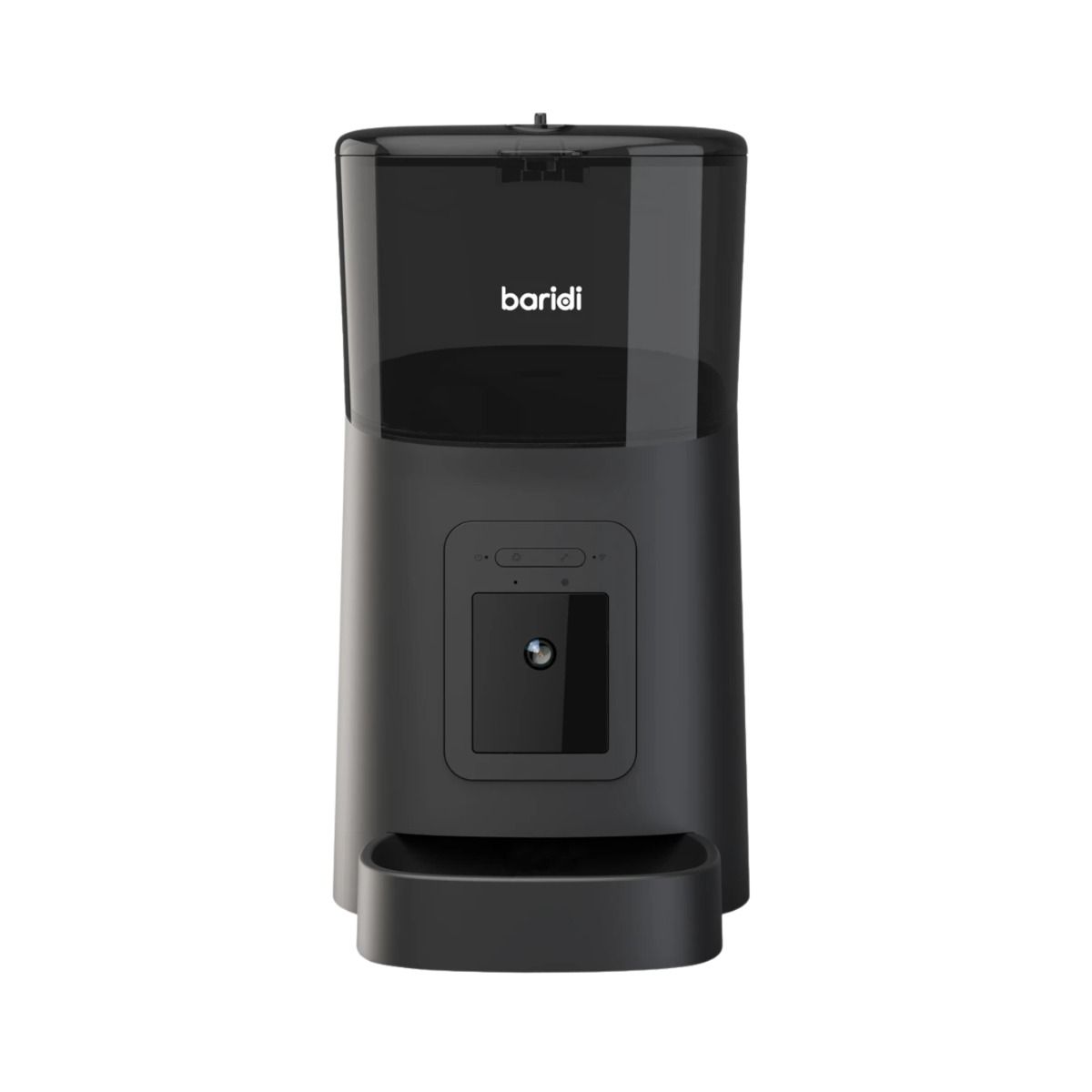
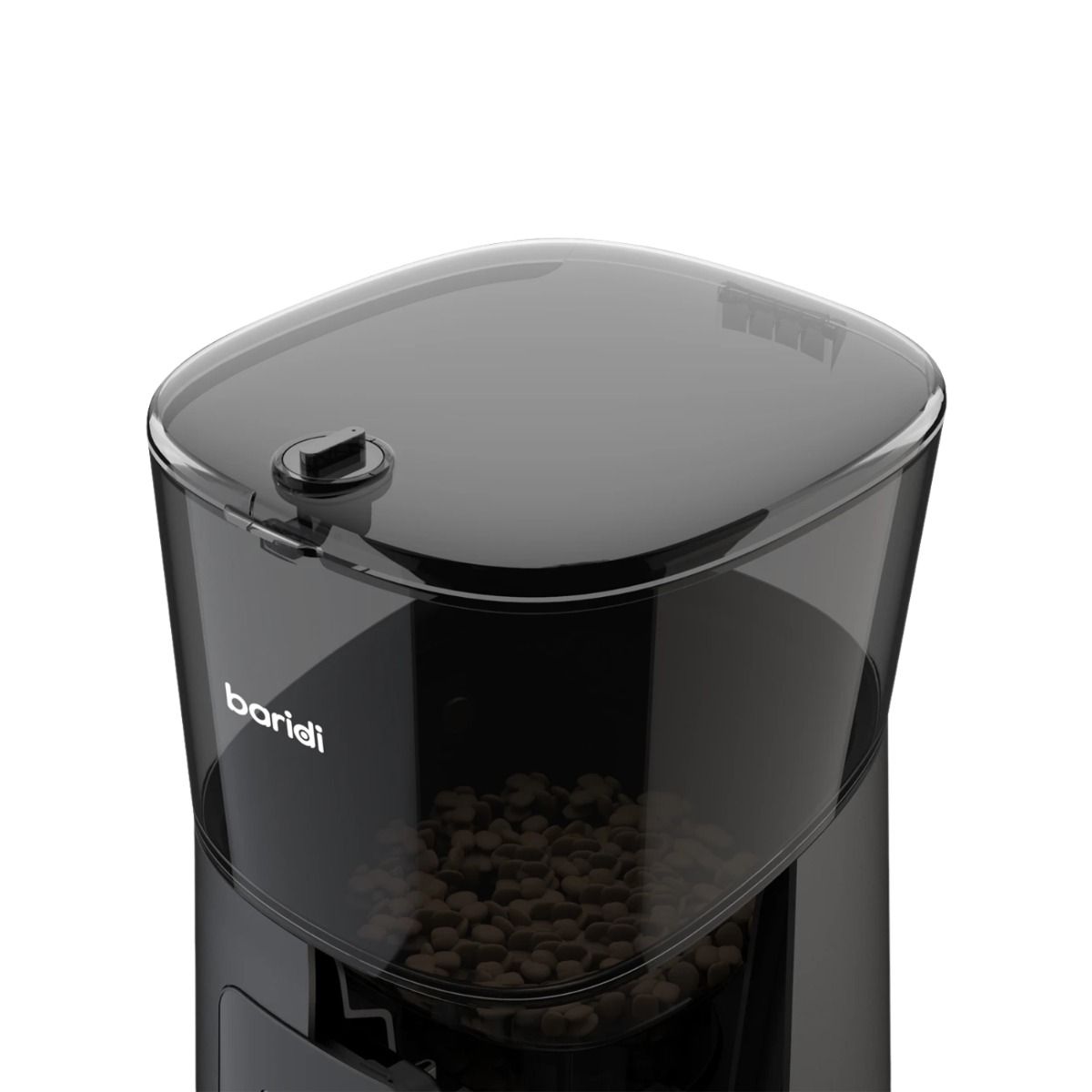
Automatic pet feeder with camera holding 6L of dry food, for cats and dogs on a feeding schedule while owners are at work.
- 1080p camera with night vision
- 2-way audio
- Up to 12 feeding schedules
- 10 second mealtime voice call
- Jam, low food and low battery alerts
- Battery backup for scheduled feeding
- 2.4GHz Wi-Fi, Tuya compatible
Baridi Automatic Pet Feeder with Camera 6L Black - 2-Way Audio
Automatic pet feeder with camera holding 6L of dry food, for cats and dogs on a feeding schedule while owners are at work.
- 1080p camera with night vision
- 2-way audio
- Up to 12 feeding schedules
- 10 second mealtime voice call
- Jam, low food and low battery alerts
- Battery backup for scheduled feeding
- 2.4GHz Wi-Fi, Tuya compatible
Order 1x to earn 112 FASTPoints
Order to earn 112 FASTPoints
Log in to access trade discountsBaridi Automatic Pet Feeder with Camera 6L Black - 2-Way Audio
Automatic pet feeders dispense dry food at set times, so cats and dogs are fed on schedule when no one is home. This feeder holds 6L of dry food and connects to a phone app over 2.4GHz Wi-Fi. Its 1080p camera with night vision and 2-way audio lets owners see, hear and talk to their pet at mealtimes.
How a Camera Feeder Shows the Meal Was Actually Eaten
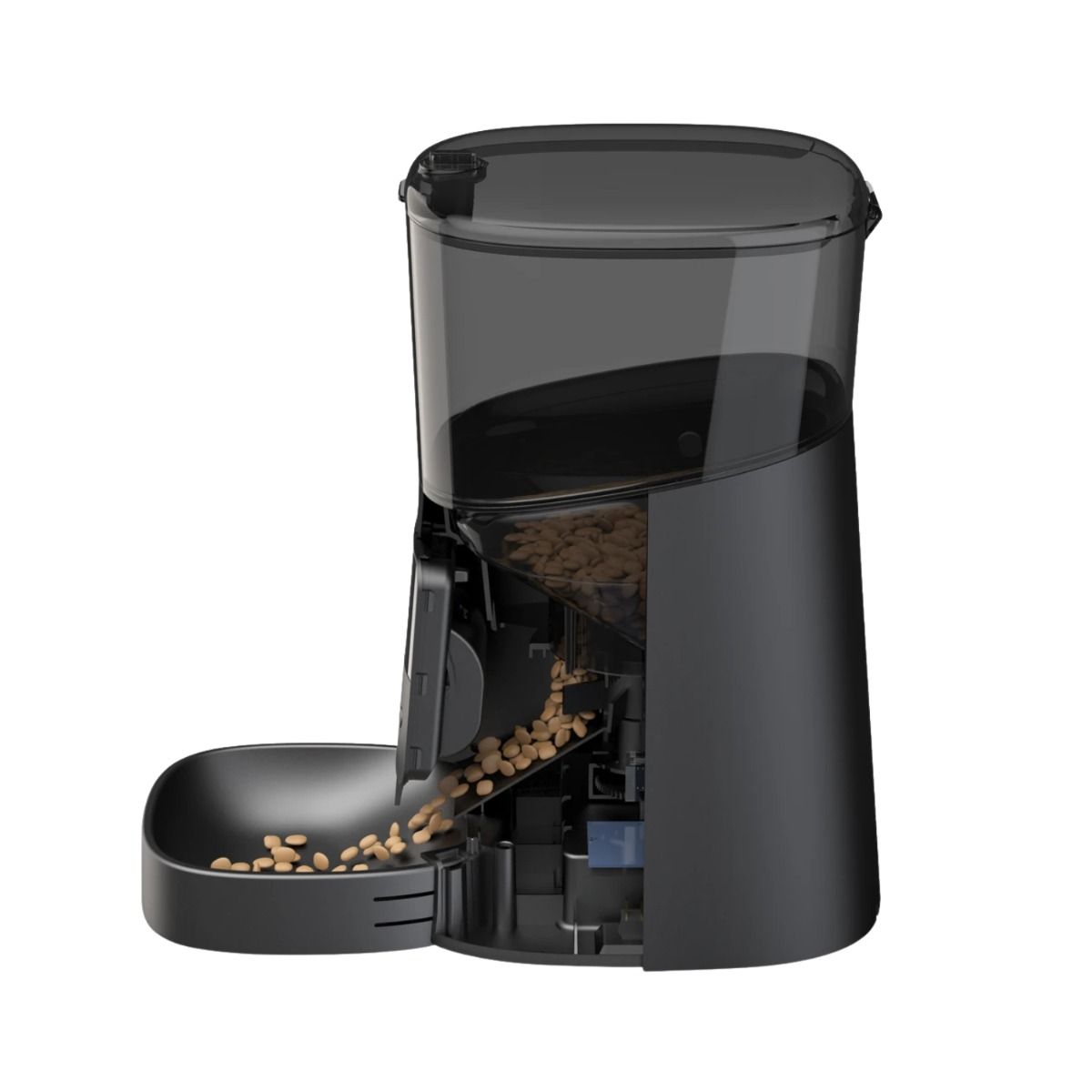
A basic timed feeder drops food on schedule, but gives no sign the pet came to eat. If food jams or the pet stops eating, owners only find out when they get home. This feeder sends alerts for jams and low food, and its camera tilts down to the bowl so owners can watch the meal live.
Key Features
-
1080p camera with night vision: a 2MP wide-angle camera that tilts down to the bowl, with IR night vision for low light.
-
2-way audio: talk to and hear the pet through the built-in microphone and speaker.
-
Up to 12 feeding schedules: set mealtimes, days and portions in the app.
-
Recorded mealtime call: up to 10 seconds of the owner's voice plays at each feed.
-
Jam, low food and low battery alerts: messages in the app show when the feeder needs attention.
-
Battery backup: 3 D cell batteries keep scheduled feeding running if the mains power fails.
-
Micro SD recording: records after each feed or non-stop, for playback in the app.
Who is this for
Trades and roles
-
Pet owners working long shifts
-
Site and field workers away from home
-
Office and remote workers
-
Pet sitters and kennel staff
Industries
-
Construction
-
Facilities management
-
Pet care
Specifications
| Specification | Detail |
|---|---|
| Product name | Baridi Automatic Pet Feeder with Camera 6L Black - 2-Way Audio |
| Product code | CMTEOY28 |
| Product type | Automatic pet feeder with camera, for cats and dogs |
| Food capacity | 6L |
| Food type | Dry food only, 5mm to 15mm pieces |
| Feeding schedules | Up to 12, set by time, day and portions |
| Manual feeding | From the app, or double-press the feed button |
| Camera | 2MP, 1080p, 2.8mm wide-angle lens |
| Camera angle | Tilts down to the bowl, 4 positions |
| Night vision | IR, on, off or auto |
| Audio | 2-way, built-in microphone and speaker |
| Mealtime call | Up to 10 seconds of recorded voice, played at feeding |
| Video recording | Micro SD card slot, event or non-stop recording |
| Alerts | Low food, low battery, food jam, feeder offline |
| App | Pet Zero, Tuya compatible |
| Wi-Fi | 2.4GHz only, WPA or WPA2 |
| Power | Micro USB cable |
| Backup power | 3 x D cell batteries, scheduled feeding only |
| Material | Food grade ABS and HIPS |
| Dimensions (W x D x H) | 195mm x 360mm x 360mm |
| Net weight | 1.77kg |
| Use | Indoors, level and dry, away from heat |
| Guarantee | 12 months from purchase date |
| Brand | Baridi |
| Colour | Black |
Compatibility
| Food, network or condition | Suitability |
|---|---|
| Dry kibble 5mm to 15mm | Suitable |
| Wet or damp food | Not recommended, dry food only |
| Dry food pieces under 5mm or over 15mm | Not recommended, may not feed reliably |
| 2.4GHz Wi-Fi with WPA or WPA2 | Suitable |
| 5GHz-only Wi-Fi network | Not recommended, the feeder cannot connect |
| Wi-Fi repeater or extender | Not recommended, connect to the main router if setup fails |
| Cats and dogs | Suitable |
| Level, dry indoor floor | Suitable |
| Near a heat source or in a damp area | Not recommended, keep the unit dry and away from heat |
| Washing the feeder body in water | Not recommended, wipe with a damp cloth |
| Camera and app on battery power | Not recommended, battery mode keeps scheduled feeding only |
Typical Users and Projects
Pet owners who work long or irregular hours use this feeder to keep cats and small dogs on a regular feeding routine. It suits homes with a 2.4GHz Wi-Fi network and a phone to run the app. Setup takes a few minutes and needs no tools.
Typical applications
-
Feeding a cat at set times during a long site shift or overnight work.
-
Checking on a pet at mealtimes while working away from home.
-
Keeping a dog on fixed portions and mealtimes through the week.
-
Talking to a pet through the feeder to settle it while the owner is out.
-
Reviewing recorded clips to see when and how much a pet ate.
How to use
Step 1: Open the battery compartment underneath, plug in the Micro USB power cable and run it along the wire guide. Fit 3 D cell batteries for backup if needed, then switch on.
Step 2: Turn the knob on the lid to open it, fit the feeding tray from the front and pour in dry food.
Step 3: Download the Pet Zero app, register an account and choose "Add Device", then "Smart Pet Feeder".
Step 4: Wait about 1 minute for the feeder to start, then connect it to a 2.4GHz Wi-Fi network by showing the app's QR code to the camera from 20cm to 30cm away.
Step 5: Check the feeder's time zone matches your phone, then set up to 12 feeding schedules with times, days and portions.
Step 6: Record a mealtime call of up to 10 seconds, and fit a Micro SD card before switching on if you want video recording.
Common mistakes
-
Trying to connect to a 5GHz Wi-Fi network instead of 2.4GHz.
-
Filling the feeder with wet food, or dry pieces smaller than 5mm or larger than 15mm.
-
Leaving the time zone wrong, so the feeder feeds at the wrong times.
-
Expecting the camera and app to work on battery power alone.
-
Pouring water into the feeder body to clean it.
Safety
Keep the feeder level and dry, and away from heat sources. Check the cable and connector for damage before use, and never pull the feeder by its cable. Unplug it before cleaning. Check on the pet regularly, as the feeder supports a routine but does not replace care.
Maintenance
Wash the food bucket and feeding tray regularly with a neutral detergent, then dry them thoroughly. Wipe the outside with a damp cloth and dry it with a clean cloth. Do not use abrasive or chemical cleaners. If food sticks in the food slot, clear it before the next scheduled feed.
Frequently Asked Questions
Q: Does the automatic pet feeder work with 5GHz Wi-Fi?
A: No. It connects to 2.4GHz Wi-Fi networks only, with WPA or WPA2 encryption. If your router broadcasts both bands, connect your phone to the 2.4GHz network during setup.
Q: What do 6L and 1080p mean on this pet feeder?
A: 6L is how much dry food the hopper holds. 1080p is the video resolution of the 2MP camera, which has a 2.8mm wide-angle lens. The camera tilts to 4 positions to look down at the bowl.
Q: What happens if the power goes off?
A: With 3 D cell batteries fitted, the feeder keeps feeding on schedule. On battery power alone, the camera, Wi-Fi, app control and mealtime voice call switch off. They come back when mains power returns.
Q: What food can't I use?
A: Do not use wet or damp food. Dry food pieces should be between 5mm and 15mm, as other sizes may not feed reliably. Pet foods vary, so check yours dispenses cleanly before leaving the feeder unattended.
Q: How is this different from a basic timed feeder?
A: A basic feeder only drops food on schedule. This one adds a 1080p camera, 2-way audio, night vision and app alerts for jams and low food. That shows whether the pet actually ate.
Q: Which app does it use?
A: The feeder is set up and controlled through the Pet Zero app and is Tuya compatible. The app covers live video, feeding schedules, manual feeds, recordings and alerts. It can be shared with another phone through the Share Device setting.
Q: Why is the feeder feeding at the wrong time?
A: Check that the feeder's time zone matches your phone in Device Information. If it does not, remove the feeder from the app and add it again.
Q: How do I clean the pet feeder?
A: Unplug it, then wash the food bucket and feeding tray with a neutral detergent and dry them thoroughly. Wipe the body with a damp cloth. Never fill the body with water.

